
Just Volleyball System Requirements Explained
The exact just volleyball minimum and recommended PC specs, what the OpenGL 3.3 requirement means, and whether your laptop or desktop can run the game.
Just volleyball is a small game with modest requirements, but the listed minimum is more specific than "any modern PC." The store page asks for a 64-bit Windows machine, 8 GB of RAM, and a GPU that supports OpenGL 3.3, with 500 MB of storage. A recent integrated GPU can meet that; a very old laptop may not.
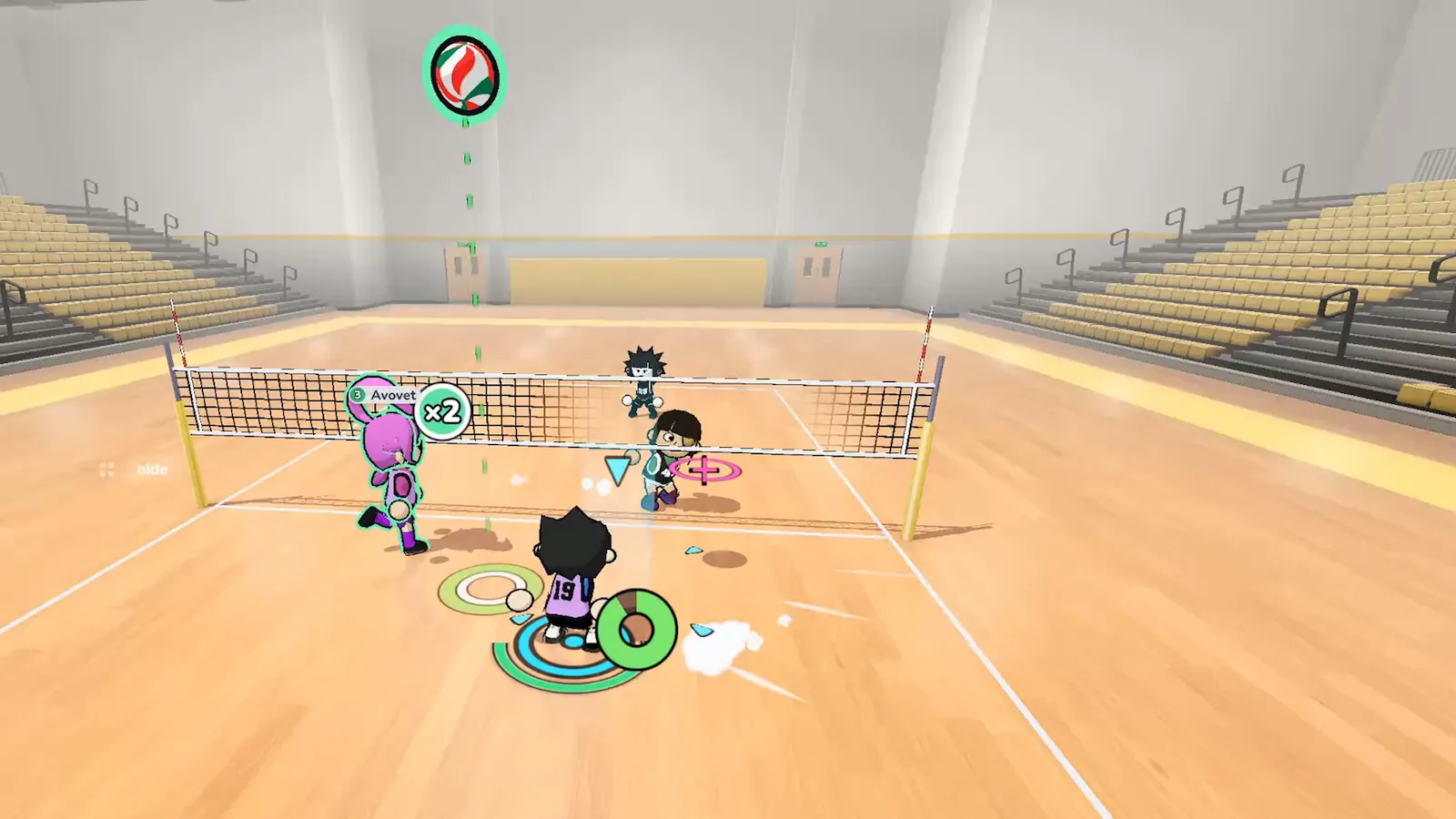
If your PC runs Windows 10 or 11, has 8 GB of RAM, and was made in the last six or seven years, it will probably run just volleyball. The variable is the GPU, not the CPU.
Minimum requirements
| Component | Minimum |
|---|---|
| OS | Windows 10 64-bit |
| CPU | Intel Core i5-7600 or equivalent |
| RAM | 8 GB |
| GPU | Intel HD Graphics 630 or equivalent |
| Graphics API | OpenGL 3.3 |
| Network | Broadband internet |
| Storage | 500 MB |
The i5-7600 is a 2017 desktop CPU. The HD 630 is the integrated graphics that shipped with Intel's 7th-generation chips. Those are not powerful parts, but they are common in office PCs and older laptops. The 8 GB RAM figure is the more likely bottleneck on a budget machine, especially if the browser and Discord are open.
Recommended requirements
| Component | Recommended |
|---|---|
| OS | Windows 11 64-bit |
| CPU | Intel Core i5-8400 or AMD Ryzen 5 2600 |
| RAM | 8 GB |
| GPU | NVIDIA GTX 1050 Ti or AMD RX 570 |
| Graphics API | DirectX 12 |
| Network | Broadband internet |
| Storage | 500 MB |
The recommended tier is a comfortable 1080p-class desktop from the same era. A GTX 1050 Ti or RX 570 is not a high-end card, but it is significantly faster than the integrated minimum. If you have a dedicated GPU from the last several years, you are above the recommended tier.
What OpenGL 3.3 means
OpenGL is a graphics API, and 3.3 is an old baseline. Almost every GPU sold in the last decade supports it, including Intel integrated graphics. The requirement matters for two groups:
- Very old laptops with Intel HD 3000-class graphics, which may not support the needed feature set.
- Some virtual machines and remote desktops, which expose a software renderer instead of the host GPU.
If the game launches to a black screen or a driver error, the first thing to check is whether your GPU driver supports OpenGL 3.3. Updating the driver is the usual fix.
What DirectX 12 means in the recommended tier
The recommended column lists DirectX 12, which is a Windows API rather than a specific GPU. A GTX 1050 Ti supports it. The game may use OpenGL on the minimum path and a DirectX path on newer hardware; the store does not explain the renderer split. Do not buy a GPU just for this game. The recommended card is a 2016-era budget part, and any modern discrete GPU will exceed it.
Will a laptop run it?
Probably, if it is a recent laptop with 8 GB of RAM and integrated graphics from the last five or six years. Three caveats:
- Thermal throttling. A thin laptop may run the game fine for ten minutes and then slow down. Check the fan profile and the power mode.
- Single-channel RAM. 8 GB in a single stick is slower than 16 GB in dual channel, especially with integrated graphics.
- Shared memory. Integrated GPUs reserve part of system RAM. A laptop with 8 GB total may have less than 7 GB available to the game.
If you are on a laptop, try the game at 1080p with the default settings first. If it stutters, lower the resolution before lowering the effects; the settings guide covers that order, and the game's art style is not dependent on high-end effects.
Storage and replay files
The store lists 500 MB, which is tiny by modern standards. The developer's note says replay files can increase the install size over time. If you record a lot of matches, budget a few extra gigabytes and clean out old replays periodically.
Cloud saves are supported, so your progress is not tied to one PC. Replays may be local-only; the store does not say. Do not assume a replay recorded on one machine will appear on another.
Troubleshooting a launch failure
If the game does not start:
- Update the GPU driver. This fixes most OpenGL and DirectX errors.
- Try the launch options. The developer's store note mentions specific hardware issues and suggests launch options; check the Steam forum for the current flags.
- Verify the game files. Steam's "Verify integrity of game files" catches a corrupted download.
- Close overlays. Discord, GeForce Experience, and other overlays can conflict with a new build.
- Check Windows version. Windows 10 64-bit is the minimum; 32-bit Windows is not supported.
If the game launches but runs poorly, lower the resolution and the shadow/effect settings first. The CPU requirement is modest, so a stutter is more likely to be GPU or thermal than CPU.
Should you upgrade?
If your PC meets the minimum, do not upgrade for this game. The recommended tier is a budget desktop from 2017, and the game is not a graphical showcase. Save the money for a mouse with a good sensor; the cursor is the input that matters.
If your PC is below the minimum, a used office desktop with an 8th-gen i5 and 16 GB of RAM is a cheap way to meet the recommended tier. A Steam Deck is another option, with the caveats in the Steam Deck guide.
The bottom line
Just volleyball is a lightweight PC game. The minimum is a 2017 office PC, the recommended is a 2017 budget gaming PC, and the storage is under 1 GB. The most common failure cases are old integrated graphics, a 32-bit Windows install, and a laptop that thermal-throttles under load.
If you want to check your own hardware, compare your GPU to the HD 630 and GTX 1050 Ti. Anything above the 1050 Ti is comfortably in recommended territory; anything below the HD 630 is a question mark.
FAQ
Can I run just volleyball on 8 GB of RAM?
Yes, 8 GB is the listed minimum and recommended. Close background apps if you are near the limit.
Is a GTX 1050 Ti good enough?
Yes. It is the recommended GPU, not the minimum.
Does the game need a dedicated GPU?
No. The minimum is Intel HD Graphics 630 integrated graphics.
How much storage does it need?
500 MB, plus space for replays and saves.
Does it run on Windows 11?
Yes. Windows 11 64-bit is the recommended OS.
Further reading
Official source: just volleyball on Steam for the system requirements table. GPU context cross-checked with ProtonDB.
More just volleyball Guides
Fast answers on the just volleyball release date, price, demo, crossplay, gamepad support, LAN, split-screen, system requirements, and launch status.
Every just volleyball team size explained, from the 1v1 duel to the full 6v6 court, with the best mode for beginners and the settings that change a lobby.
A plain-language just volleyball tutorial: the rally flow, the three-touch pattern, each position, and the fastest way to survive your first online match.
A step-by-step guide to playing just volleyball with friends online, on LAN, in split-screen, or via Steam Remote Play, plus fixes for common lobby problems.
How just volleyball multiplayer works across online play, LAN, split-screen, and co-op, including the server browser, lobby sizes, ping, and moderation.
The free public playtest opened on September 23, 2026 on a separate Steam app. Here is how it differed from the demo and whether it is still running.
The developer quoted a $7.99 base price for just volleyball with a 38% launch discount. Here is what is confirmed, what is not, and how regional pricing works.
The defensive half of just volleyball: how to receive a serve, set a hittable ball, position behind the block, and cover the court without wasting stamina.